Voice to text app with AI
Voice to text that writes it up for you.
Stop typing what you could just say. Speak in a rush, get back a clean email, a clear message or structured meeting notes, ready to send.
Available for Android phones and tablets.

 Scan to install on your Android phone
Free download50+ languages
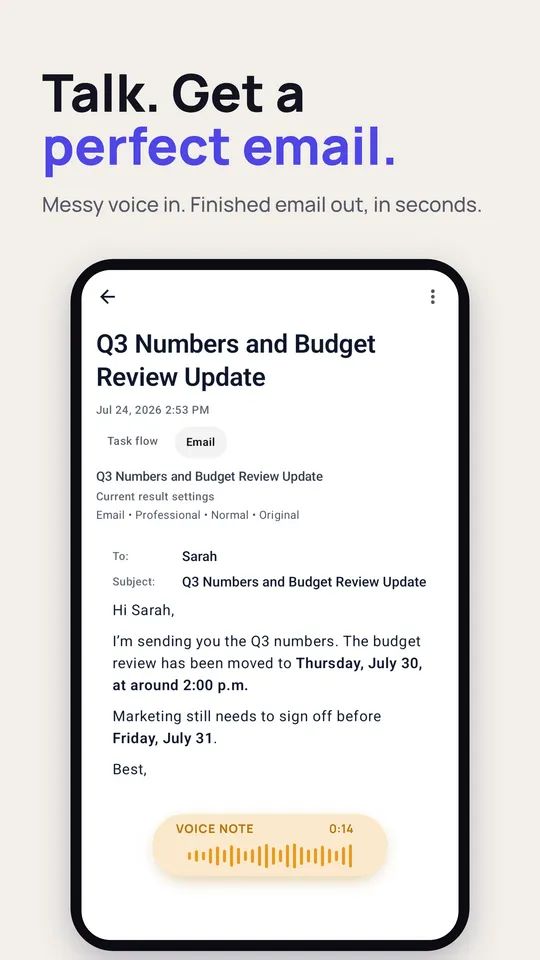
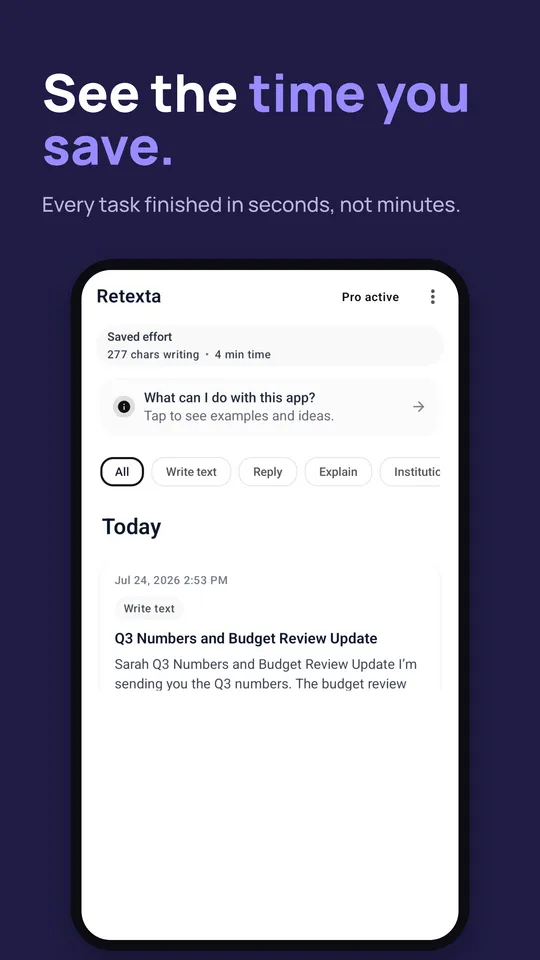
Q3 numbers and budget review
An example. AI is powerful but not perfect: give the result a quick read before you send it.
One recording. Any format.
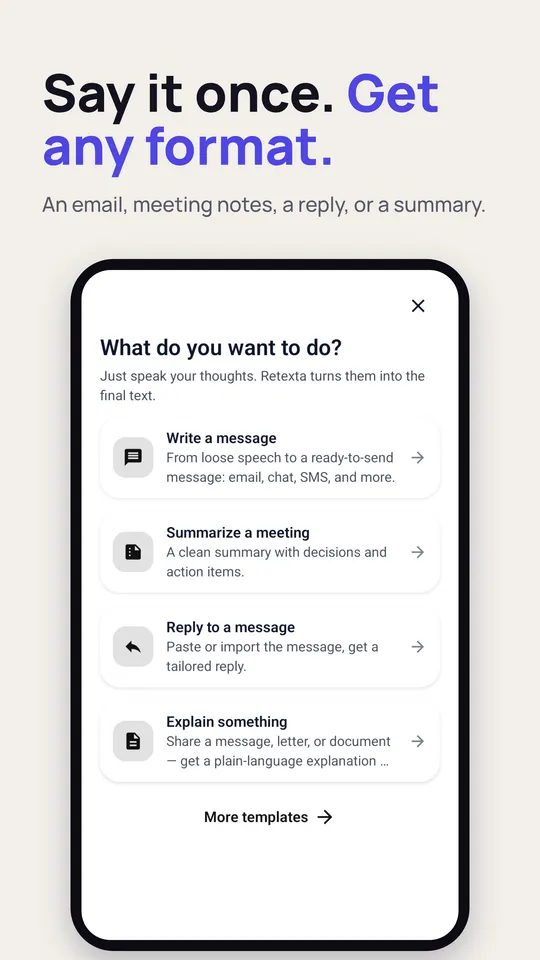
Most voice apps hand you a raw transcript and leave the work to you. Retexta rewrites loose, rambling speech into polished text you can actually send.
Emails
Talk it through and get an email that is written, formatted and ready to send.
Messages and replies
Answer a message in the right tone without typing a word.
Meeting notes
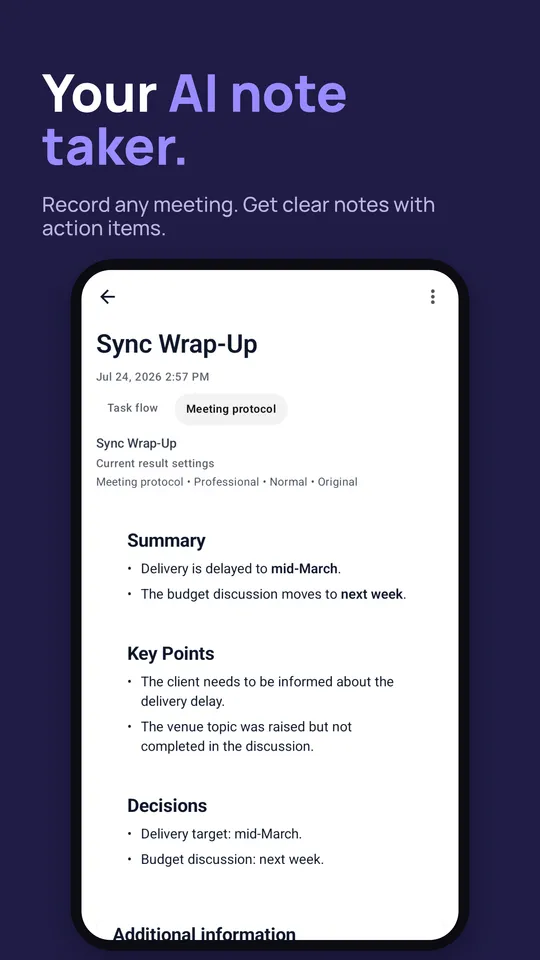
Record a meeting and get clear notes with a summary, decisions and action items.
Lecture notes
Turn a lecture into study notes you can actually learn from.
Letters and summaries
Formal letters, reports and summaries with tone and style controls.
To-do lists
Say what is on your mind and get a clean list you can work through.
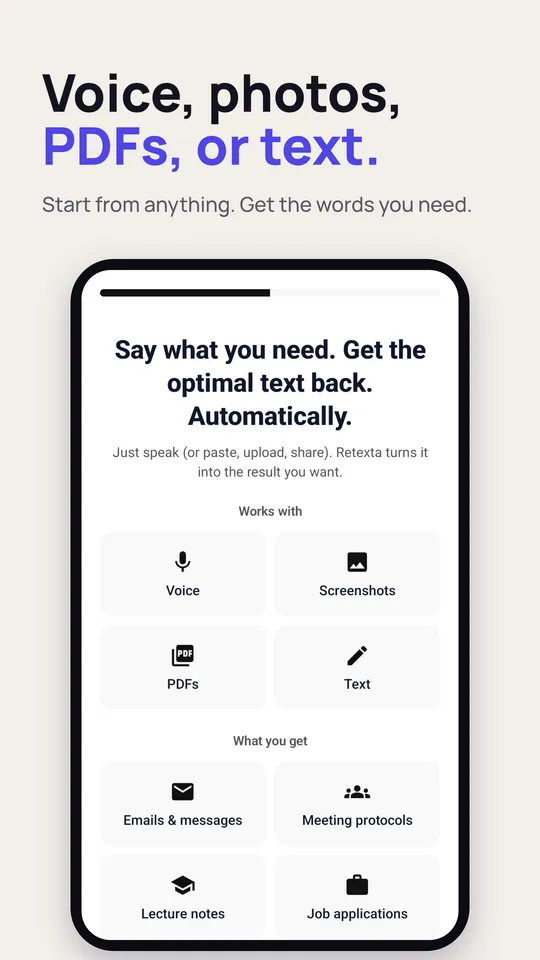
Voice, files, photos or text.
Record, or import what you already have. Retexta transcribes it, understands what you meant and writes the text you need.
From voice to done.
Record
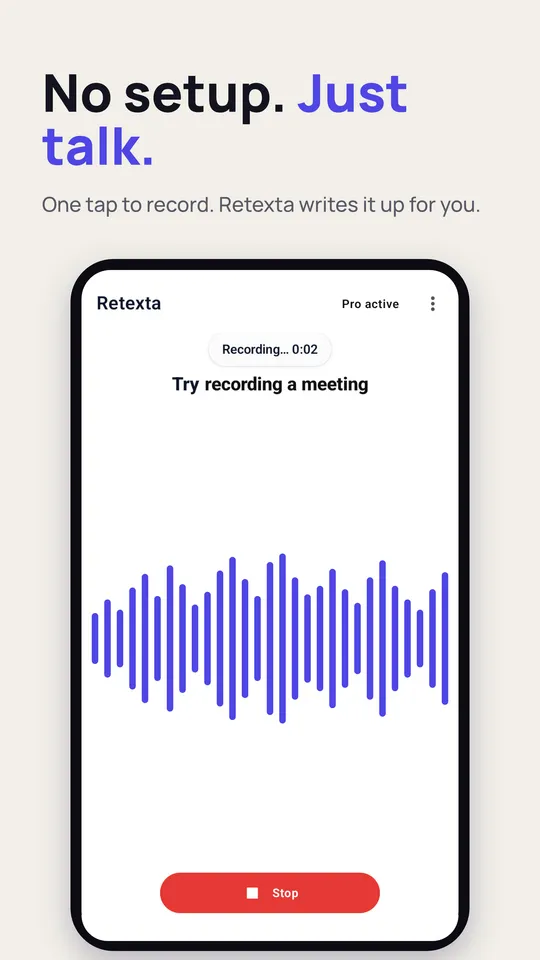
Tap record and speak naturally, or import audio, a PDF, a screenshot or text.
Understand
Retexta transcribes and understands what you meant.
Choose a goal
Email, message, meeting minutes, summary, notes or letter.
Send
Get finished text, ready to review and send.
Speak in one language. Write in 50+.
Get results in your language or any of 50+ languages, for multilingual work, travel and study.
Anyone who thinks faster than they type.
Professionals
Write faster emails and turn recorded meetings into meeting notes.
Students
Turn lectures into study notes and summaries before exams.
Writers and creators
Draft at the speed of speech, then shape it in the tone you want.
Teams
Capture decisions and action items without writing up the meeting.
Try it free. Go Pro for more.
Free
New users get a few free Pro results to view in the app. Copying, sharing and exporting need Retexta Pro or credits.
Retexta Pro
For people who write by voice every day.
- Copy, share and export your text
- Structured rewrite templates
- Tone and style controls
- Longer recordings
- Web research for sharper results
- Higher limits
Good to know.
What does Retexta do?
Retexta turns voice to text and then writes the finished result for you. Speak freely, pick a goal like an email, a message or meeting notes, and get clean text you can review and send.
Is Retexta free?
The app is free to download and free to try: new users get a few free Pro results to view in the app. Copying, sharing and exporting your text need Retexta Pro or credits, and so does everything after the free results. Retexta Pro also unlocks structured rewrite templates, tone and style controls, longer recordings, web research and higher limits.
Which languages does it support?
Speak in your language and get results in your language or any of 50+ languages.
Can I use recordings I already have?
Yes. You can import audio files, WhatsApp voice notes, PDFs, screenshots and plain text, and Retexta turns them into the text you need.
Is Retexta a keyboard or a read-aloud app?
No. Retexta is a cloud-powered voice to text and AI writing tool. It turns your voice and audio into finished text, never text into speech.
How is my data handled?
Recordings are processed through our backend on Google Cloud Run by AI providers such as OpenAI. We do not opt in to provider-side training on your content, and your note history is stored on your device. The details are in the privacy policy.
Is there an iPhone app?
Retexta is available for Android phones and tablets.
Talk. It writes it up.
Available for Android phones and tablets.
Scan to install on your Android phoneFree download50+ languages
